

Windows Update Blocker
Windows Update Blocker is a freeware that helps you to completely disable or enable Automatic Updates on your Windows system , with just a click of the button .
This utility is portable, which means that you are no longer required to go through the installation process and no leftovers will remain on the HDD after its removal.
Windows Update Blocker main
How it works
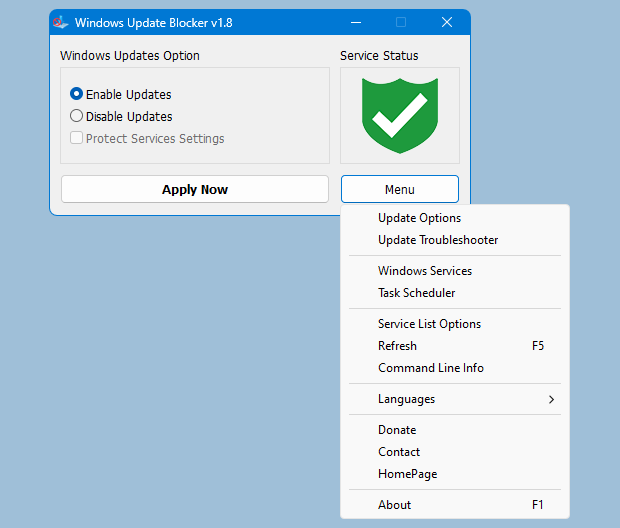
After downloading, extract Windows Update Blocker to your desired location, then run it
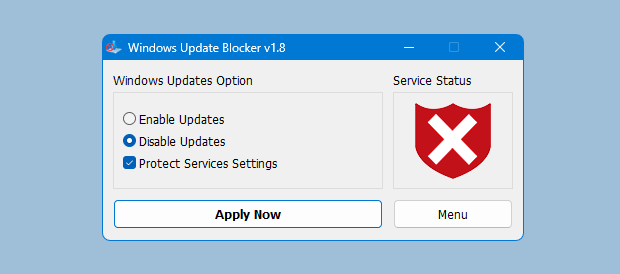
service status icon will show your windows Update service status , if you want to block Automatic Windows Updates Choose "Disable Service" And click "Apply Now" Button , Protect service setings can prevent Uncontrolled change (Recommended).
How to block any other service and protect the settings
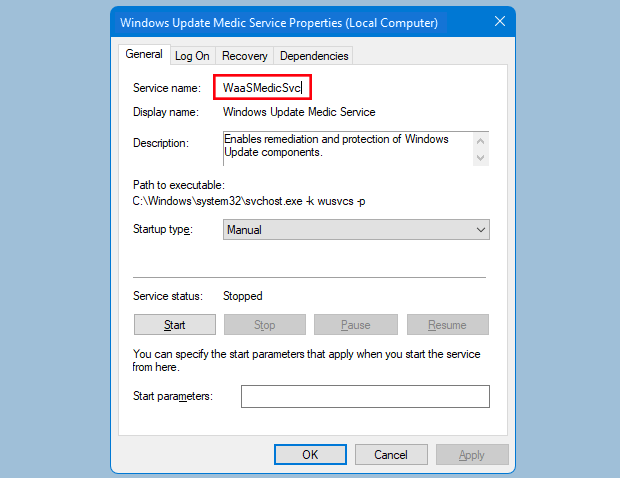
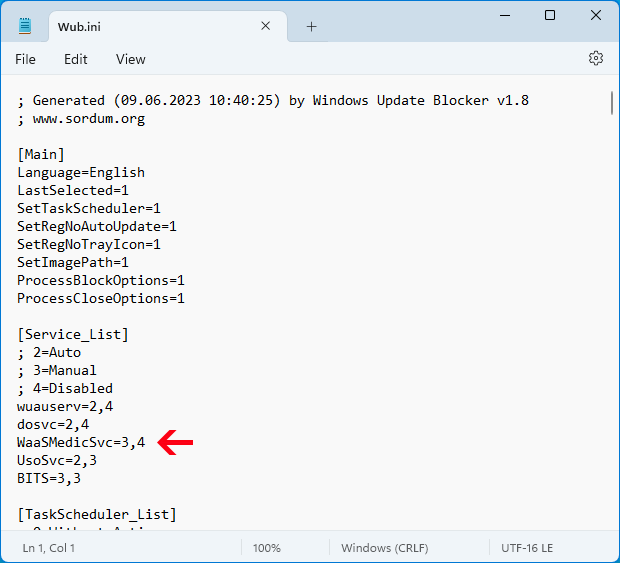
Windows Update Blocker New version allow users to add any other service into Wub.ini file to block it , first please edit Wub.ini file and add your desired service name under the "dosvc=2,4" line , for example if you want to block "Windows Update medic Service" Please open services and find it
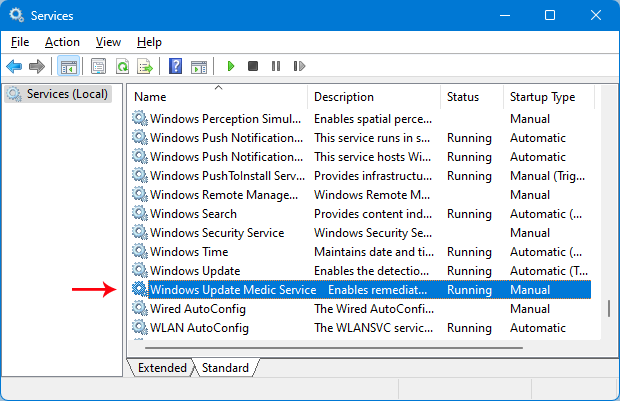
then click on it and copy the Service Name
Write or paste the service name under the dosvc=2,4 line
Finally open Windows Update Blocker and use "Apply now" button.
FAQ
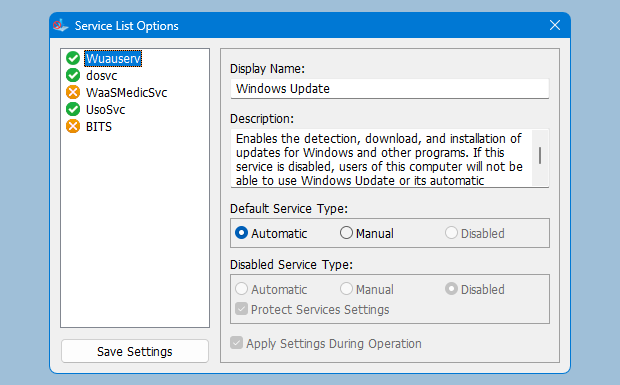
Under Menu button there is a "Service" choice if you click it , Service popup window will be open.
With this GUI you can easily control services which added to Wub.ini [Service_List] section.
You can add Maximum 25 service to Wub.ini. Wuausrv service showing only for informational purposes therefore you can not edit it.
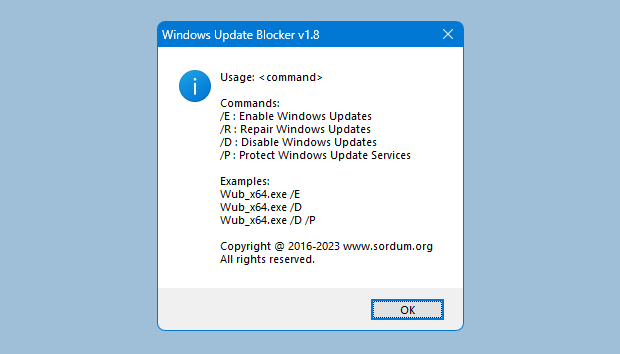
Windows Update Blocker supports Command line options to automate Windows Update Blocker tasks :